


Page 60 - Digital_Kids_3
P. 60
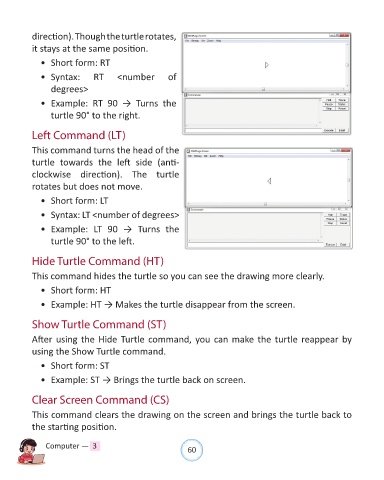
direction). Though the turtle rotates,

            it stays at the same position.

              •  Short form: RT

              •  Syntax:         RT      <number          of
                  degrees>

              •  Example:  RT  90  →  Turns  the

                  turtle 90° to the right.


            Left Command (LT)

            This command turns the head of the

            turtle  towards  the  left  side  (anti-
            clockwise  direction).  The  turtle

            rotates but does not move.

              •  Short form: LT

              •  Syntax: LT <number of degrees>

              •  Example:  LT  90  →  Turns  the
                  turtle 90° to the left.


            Hide Turtle Command (HT)

            This command hides the turtle so you can see the drawing more clearly.

              •  Short form: HT

              •  Example: HT → Makes the turtle disappear from the screen.


            Show Turtle Command (ST)

            After using the Hide Turtle command, you can make the turtle reappear by

            using the Show Turtle command.

              •  Short form: ST

              •  Example: ST → Brings the turtle back on screen.


            Clear Screen Command (CS)

            This command clears the drawing on the screen and brings the turtle back to
            the starting position.


                Computer —  3                                   60

