


Page 41 - Digital_Kids_4
P. 41
o If you are not currently connected to the Internet, a dialog box appears that

                      allows you to connect.

              3.  When you finish browsing through the information on the web, click on the
                  Close (x) button to close the Microsoft Edge window (or press Alt+F4).


            Displaying a Specific Website / Web Page

            You can display any page on the web that
            you have heard or read about. You need to

            know the address of the web page that you
            want to view. Each page on the web has a
            unique  address called  Uniform Resource

            Locator (URL).

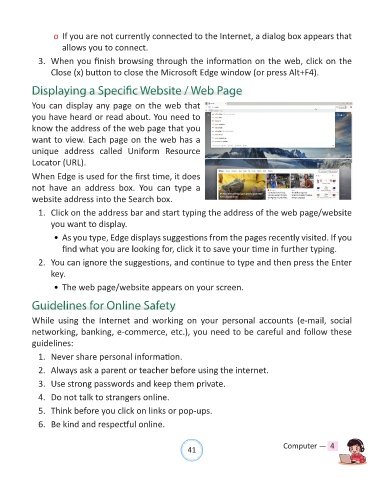
            When Edge is used for the first time, it does
            not  have  an  address  box.  You  can  type  a

            website address into the Search box.
              1.  Click on the address bar and start typing the address of the web page/website

                  you want to display.

                  • As you type, Edge displays suggestions from the pages recently visited. If you
                      find what you are looking for, click it to save your time in further typing.

              2.  You can ignore the suggestions, and continue to type and then press the Enter
                  key.

                  • The web page/website appears on your screen.


            Guidelines for Online Safety

            While  using  the  Internet  and  working  on  your  personal  accounts  (e-mail,  social

            networking, banking, e-commerce, etc.), you need to be careful and follow these
            guidelines:

              1.  Never share personal information.

              2.  Always ask a parent or teacher before using the internet.

              3.  Use strong passwords and keep them private.
              4.  Do not talk to strangers online.

              5.  Think before you click on links or pop-ups.

              6.  Be kind and respectful online.


                                                                41                               Computer —  4

