


Page 29 - Digital_Kids_2
P. 29
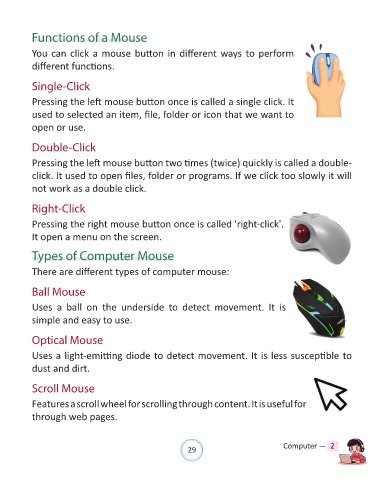
Functions of a Mouse


            You can click a mouse button in different ways to perform
            different functions.


            Single-Click

            Pressing the left mouse button once is called a single click. It
            used to selected an item, file, folder or icon that we want to

            open or use.


            Double-Click

            Pressing the left mouse button two times (twice) quickly is called a double-

            click. It used to open files, folder or programs. If we click too slowly it will
            not work as a double click.


            Right-Click


            Pressing the right mouse button once is called 'right-click'.
            It open a menu on the screen.


            Types of Computer Mouse


            There are different types of computer mouse:


            Ball Mouse

            Uses  a  ball  on  the  underside  to  detect  movement.  It  is

            simple and easy to use.


            Optical Mouse

            Uses a light-emitting diode to detect movement. It is less susceptible to

            dust and dirt.


            Scroll Mouse


            Features a scroll wheel for scrolling through content. It is useful for navigating
            through web pages.


                                                                29                               Computer —  2

