


Page 47 - Digital_Kids_2
P. 47
2.  Click on canvas to start.

              3.  Keep clicking for corners.

              4.  Double-click to close shape.


            Text Tool                                                                Paint  has  been  included

            Used to write text on picture.                                           with  Windows  operating
                                                                                     systems since 1985!
              1.  Click Text Tool (A).

              2.  Click where you want text.

              3.  Type inside the text box.

              4.  Change font, size, color.


              5.  Click outside to finish.


            Magnifier Tool

            Helps to zoom in like a magnifying glass.

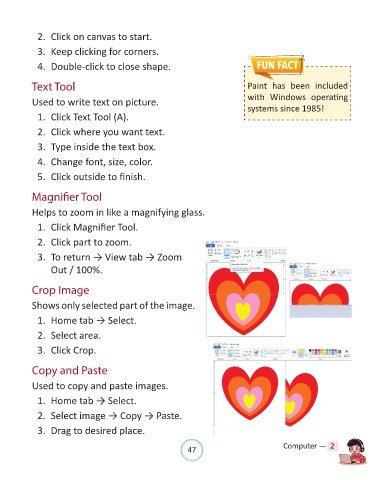
              1.  Click Magnifier Tool.


              2.  Click part to zoom.

              3.  To return → View tab → Zoom
                  Out / 100%.


            Crop Image

            Shows only selected part of the image.

              1.  Home tab → Select.

              2.  Select area.

              3.  Click Crop.


            Copy and Paste


            Used to copy and paste images.

              1.  Home tab → Select.

              2.  Select image → Copy → Paste.

              3.  Drag to desired place.


                                                                47                               Computer —  2

