


Page 48 - Digital_Kids_2
P. 48
Cut and Paste


            Used to move drawing from one place to another.

              1.  Home tab → Select.

              2.  Select image → Cut.

              3.  Paste → Drag to new place.


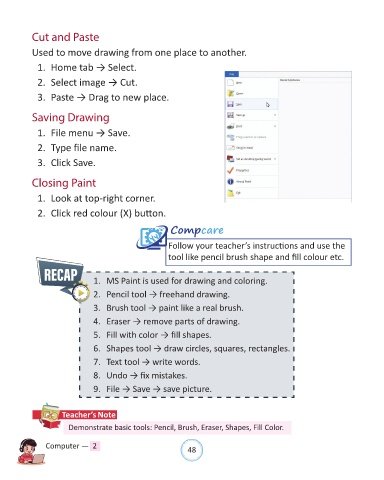
            Saving Drawing

              1.  File menu → Save.


              2.  Type file name.

              3.  Click Save.


            Closing Paint

              1.  Look at top-right corner.

              2.  Click red colour (X) button.


                                                           Compcare
                                                          Follow your teacher’s instructions and use the

                                                          tool like pencil brush shape and fill colour etc.


                                 1.  MS Paint is used for drawing and coloring.

                                 2.  Pencil tool → freehand drawing.

                                 3.  Brush tool → paint like a real brush.
                                 4.  Eraser → remove parts of drawing.

                                 5.  Fill with color → fill shapes.

                                 6.  Shapes tool → draw circles, squares, rectangles.

                                 7.  Text tool → write words.

                                 8.  Undo → fix mistakes.

                                 9.  File → Save → save picture.


                      Teacher’s Note

                        Demonstrate basic tools: Pencil, Brush, Eraser, Shapes, Fill Color.


                Computer —  2                                   48

