


Page 44 - Digital_Kids_2
P. 44
6                                    More on Paint


                                     Chapter Outline
                                                     Paint
                                                     Parts of Paint
                                                     Types of Tool


            Paint is a drawing program that is                               Play and Learn

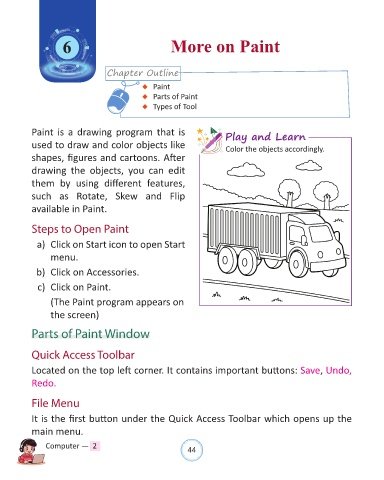
            used to draw and color objects like                              Color the objects accordingly.

            shapes, figures and cartoons. After
            drawing  the  objects,  you  can  edit

            them  by  using  different  features,

            such  as  Rotate,  Skew  and  Flip
            available in Paint.


            Steps to Open Paint

              a)  Click on Start icon to open Start

                  menu.

              b)  Click on Accessories.

              c)  Click on Paint.

                  (The Paint program appears on

                  the screen)


            Parts of Paint Window


            Quick Access Toolbar

            Located on the top left corner. It contains important buttons: Save, Undo,

            Redo.


            File Menu

            It is the first button under the Quick Access Toolbar which opens up the
            main menu.


                Computer —  2                                   44

