


Page 17 - Digital_Kids_4
P. 17
2                                       Windows 11


                                  Chapter Outline
                                              •  Features of Windows 11
                                              •  Parts of Windows 11
                                              •  Creating a File and Folder
                                              •  Changing the Wallpaper and Screensaver


            Microsoft Windows 11 is the latest version of the Windows operating system that
            helps you use a computer. It is like the brain of the computer that helps you open

            programs, play games, watch videos, and do your school work easily.

            Windows has many versions that are regularly updated with time and requirements.
            Some versions were Windows XP, Windows Vista, Windows 7, 8, 10.

            Windows 11 allows you to connect your Android phone to the computer to share
            pictures and messages. It has a nice and clean design with easy-to-use menus and

            buttons.

            Key Features of Windows 11


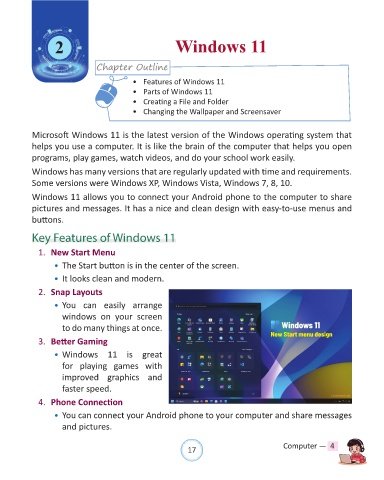
              1.  New Start Menu

                  • The Start button is in the center of the screen.
                  • It looks clean and modern.

              2.  Snap Layouts

                  • You  can  easily  arrange
                      windows on  your  screen

                      to do many things at once.

              3.  Better Gaming
                  • Windows  11 is  great

                      for playing games  with
                      improved graphics and
                      faster speed.

              4.  Phone Connection

                  • You can connect your Android phone to your computer and share messages

                      and pictures.


                                                                17                               Computer —  4

