


Page 19 - Digital_Kids_4
P. 19
•  Each file has a name and a type (like a story, song, photo, etc.).

              •  File extensions usually start with a dot (.) followed by 3 or 4 letters, like:

                  • MS Word → .docx
                  • Picture file → .jpg, .png


            How to create a file?

              1.  Open Microsoft Word- Click on the MS Word icon on your desktop or from the
                  Start Menu.

              2.  Start a New Document
                  When Word opens, click on "Blank Document" to start writing.

              3.  Type Your Work

                  Now you can type your story, homework, or notes.
              4.  Save Your File

                  • Click on File (top-left corner).

                  • Then click on Save As.
                  • Choose where you want to save the file                       Widgets in Windows 11 are

                      (like Desktop or Documents).                            actually a comeback — a similar

                  • Type a name for your file (example: My                   feature called “Gadgets” existed in
                      Homework).                                               Windows Vista many years ago!

                  • Click Save.


            Folder

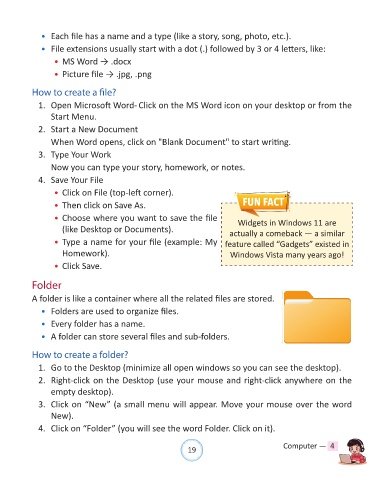
            A folder is like a container where all the related files are stored.
              •  Folders are used to organize files.

              •  Every folder has a name.

              •  A folder can store several files and sub-folders.


            How to create a folder?
              1.  Go to the Desktop (minimize all open windows so you can see the desktop).

              2.  Right-click on the Desktop (use your mouse and right-click anywhere on the
                  empty desktop).

              3.  Click on “New” (a small menu will appear. Move your mouse over the word
                  New).

              4.  Click on “Folder” (you will see the word Folder. Click on it).


                                                                19                               Computer —  4

