


Page 18 - Digital_Kids_4
P. 18
5.  Accessibility Tools

                  • It has tools to help people who have trouble seeing, hearing, or moving.

              6.  Fast and Smooth

                  • Windows 11 runs faster and is more powerful than older versions.

              7.  Widgets
                  • You can see news, weather, calendar, and more in one place.

              8.  Microsoft Teams

                  •  You can chat or video call your friends and family directly from your desktop.


            Main Parts of MS Windows 11


            Desktop

            The first screen that you see when the operating system (Windows) has finished

            loading is known as Desktop. It remains in the background all the time.

            Some features of Desktop are:

              •  It is where all the icons of the different applications are displayed.
              •  It is the home for all shortcuts. Programs can be quickly opened by clicking on

                  the respective shortcuts.

              •  It holds various information such as time and date.


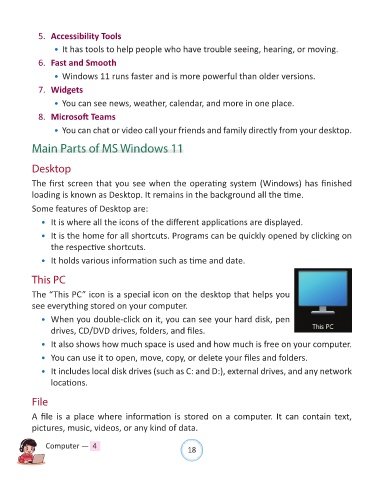
            This PC

            The “This PC” icon is a special icon on the desktop that helps you
            see everything stored on your computer.

              •  When you double-click on it, you can see your hard disk, pen
                  drives, CD/DVD drives, folders, and files.

              •  It also shows how much space is used and how much is free on your computer.

              •  You can use it to open, move, copy, or delete your files and folders.

              •  It includes local disk drives (such as C: and D:), external drives, and any network
                  locations.


            File

            A file is a place where information is stored on a computer. It can contain text,

            pictures, music, videos, or any kind of data.


                Computer —  4                                   18

