


Page 27 - Digital_Kids_4
P. 27
3                    Introduction to MSW Logo


                                   Chapter Outline
                                               •  Starting MSW Logo                 •  MSW Logo Workspace
                                               •  MSW Logo Commands                 •  Print Command
                                               •  Saving MSW Logo File              •  Closing MSW Logo


            MSWLogo is a simple computer language. It is used to draw figures, type text, and

            perform simple calculations.

            MSWLogo uses a triangle-shaped pen called turtle for drawing lines. The top part
            of the turtle is called the head and the bottom part is called the tail. The turtle can
            draw only when you give commands to it.


            Starting MSW Logo

              1.  Click on the Start button.

              2.  Click on Microsoft Windows Logo.
                                                                                     MSWLogo is based on the
              3.  MSWLogo opens on your monitor screen.                           LOGO programming language,


            MSWLogo Workspace                                                       which was created in 1967
                                                                                      mainly to teach children
            The MSWLogo screen consists of two sections, the                          programming concepts.

            MSWLogo  window and  the Commander window.
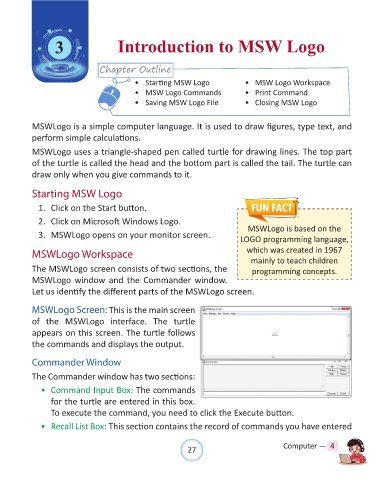
            Let us identify the different parts of the MSWLogo screen.


            MSWLogo Screen: This is the main screen
            of  the  MSWLogo  interface.  The  turtle

            appears on this screen. The turtle follows
            the commands and displays the output.


            Commander Window

            The Commander window has two sections:

              •  Command Input Box: The commands
                  for the turtle are entered in this box.

                  To execute the command, you need to click the Execute button.
              •  Recall List Box: This section contains the record of commands you have entered


                                                                27                               Computer —  4

