


Page 30 - Digital_Kids_4
P. 30
a certain number of times. REPEAT tells the turtle to do something again and again.

            For example (REPEAT 4 [FD 100 RT 90])

            Let us draw some more figures using Repeat command.

            Drawing a Pentagon

            A pentagon is a shape with 5 equal sides and 5 angles. Logo primitive to draw a
            pentagon will be: REPEAT 5 [FD 50 RT 72], where 72 is the angle at which the turtle
            turns right.


            Drawing a Hexagon
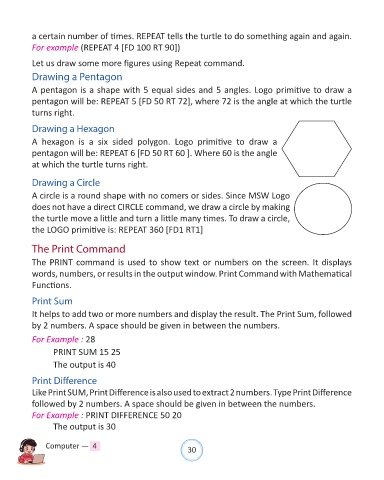
            A  hexagon  is  a  six  sided  polygon.  Logo  primitive  to  draw  a

            pentagon will be: REPEAT 6 [FD 50 RT 60 ]. Where 60 is the angle
            at which the turtle turns right.


            Drawing a Circle

            A circle is a round shape with no comers or sides. Since MSW Logo
            does not have a direct CIRCLE command, we draw a circle by making

            the turtle move a little and turn a little many times. To draw a circle,
            the LOGO primitive is: REPEAT 360 [FD1 RT1]


            The Print Command

            The PRINT command is used to show text or numbers on the screen. It displays
            words, numbers, or results in the output window. Print Command with Mathematical

            Functions.

            Print Sum

            It helps to add two or more numbers and display the result. The Print Sum, followed
            by 2 numbers. A space should be given in between the numbers.

            For Example : 28

                   PRINT SUM 15 25

                   The output is 40

            Print Difference
            Like Print SUM, Print Difference is also used to extract 2 numbers. Type Print Difference

            followed by 2 numbers. A space should be given in between the numbers.
            For Example : PRINT DIFFERENCE 50 20
                   The output is 30


                Computer —  4                                   30

