


Page 29 - Digital_Kids_4
P. 29
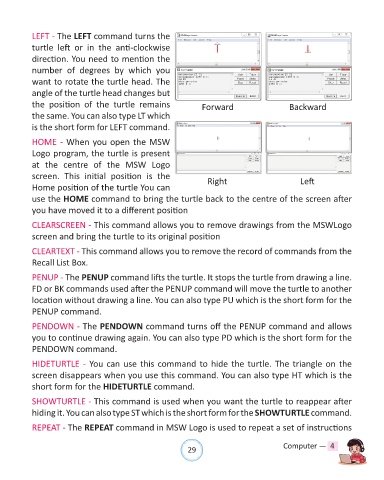
LEFT - The LEFT command turns the

            turtle  left  or  in  the  anti-clockwise
            direction. You need to mention the
            number  of  degrees by which  you

            want to rotate the turtle head. The
            angle of the turtle head changes but

            the  position  of  the  turtle  remains                  Forward                       Backward
            the same. You can also type LT which
            is the short form for LEFT command.

            HOME - When you open the MSW

            Logo program, the turtle is present
            at  the  centre  of  the  MSW  Logo

            screen.  This  initial  position  is  the                  Right                          Left
            Home position of the turtle You can
            use the HOME command to bring the turtle back to the centre of the screen after

            you have moved it to a different position

            CLEARSCREEN - This command allows you to remove drawings from the MSWLogo
            screen and bring the turtle to its original position


            CLEARTEXT - This command allows you to remove the record of commands from the
            Recall List Box.

            PENUP - The PENUP command lifts the turtle. It stops the turtle from drawing a line.

            FD or BK commands used after the PENUP command will move the turtle to another
            location without drawing a line. You can also type PU which is the short form for the
            PENUP command.

            PENDOWN - The PENDOWN command turns off the PENUP command and allows

            you to continue drawing again. You can also type PD which is the short form for the
            PENDOWN command.

            HIDETURTLE - You can use this command to hide the turtle. The triangle on the

            screen disappears when you use this command. You can also type HT which is the
            short form for the HIDETURTLE command.

            SHOWTURTLE - This command is used when you want the turtle to reappear after

            hiding it. You can also type ST which is the short form for the SHOWTURTLE command.

            REPEAT - The REPEAT command in MSW Logo is used to repeat a set of instructions


                                                                29                               Computer —  4

