


Page 36 - Digital_Kids_2
P. 36
Document Area


            The big white space in the middle of the screen.

            You type text, add pictures, or make projects here.


            Scroll Bar

            Found on the right and bottom sides.

            Helps you move up, down, left, or right on the page.


            Status Bar

            Found at the bottom of the window.

            Shows details information like Page Number, Word Count, and Language.


            Zoom Slider

            Located at the bottom right corner.


            Slide left/right to zoom in or out.

            What Can We Do in MS Word?


            Enter Text

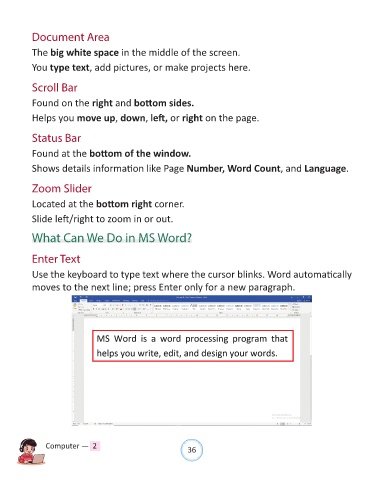
            Use the keyboard to type text where the cursor blinks. Word automatically

            moves to the next line; press Enter only for a new paragraph.


                Computer —  2                                   36

