


Page 59 - Digital_Kids_4
P. 59
Creating the Title Slide

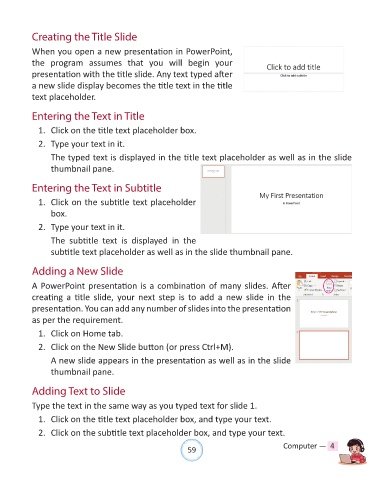
            When you open a new presentation in PowerPoint,

            the program assumes that you will  begin your
            presentation with the title slide. Any text typed after

            a new slide display becomes the title text in the title
            text placeholder.


            Entering the Text in Title

              1.  Click on the title text placeholder box.

              2.  Type your text in it.

                  The typed text is displayed in the title text placeholder as well as in the slide
                  thumbnail pane.


            Entering the Text in Subtitle

              1.  Click on the subtitle text placeholder

                  box.
              2.  Type your text in it.

                  The  subtitle  text  is  displayed  in  the

                  subtitle text placeholder as well as in the slide thumbnail pane.


            Adding a New Slide

            A PowerPoint presentation is a combination of many slides. After
            creating  a  title  slide,  your  next  step  is  to  add  a  new  slide  in  the

            presentation. You can add any number of slides into the presentation
            as per the requirement.

              1.  Click on Home tab.

              2.  Click on the New Slide button (or press Ctrl+M).

                  A new slide appears in the presentation as well as in the slide
                  thumbnail pane.


            Adding Text to Slide

            Type the text in the same way as you typed text for slide 1.

              1.  Click on the title text placeholder box, and type your text.

              2.  Click on the subtitle text placeholder box, and type your text.


                                                                59                               Computer —  4

