


Page 60 - Digital_Kids_4
P. 60
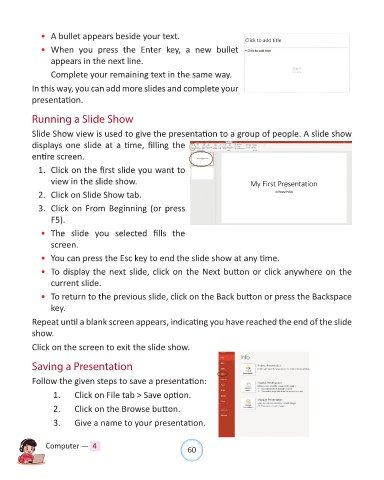
•  A bullet appears beside your text.

              •  When  you  press  the  Enter  key,  a  new  bullet

                  appears in the next line.
                  Complete your remaining text in the same way.

            In this way, you can add more slides and complete your

            presentation.


            Running a Slide Show

            Slide Show view is used to give the presentation to a group of people. A slide show
            displays one slide at a time, filling the

            entire screen.
              1.  Click on the first slide you want to

                  view in the slide show.

              2.  Click on Slide Show tab.
              3.  Click on From Beginning (or press

                  F5).

              •  The  slide  you  selected  fills  the
                  screen.

              •  You can press the Esc key to end the slide show at any time.

              •  To display the next slide, click on the Next button or click anywhere on the
                  current slide.

              •  To return to the previous slide, click on the Back button or press the Backspace

                  key.
            Repeat until a blank screen appears, indicating you have reached the end of the slide

            show.

            Click on the screen to exit the slide show.


            Saving a Presentation

            Follow the given steps to save a presentation:

                   1.     Click on File tab > Save option.

                   2.     Click on the Browse button.

                   3.     Give a name to your presentation.


                Computer —  4                                   60

