


Page 82 - Digital_Kids_4
P. 82
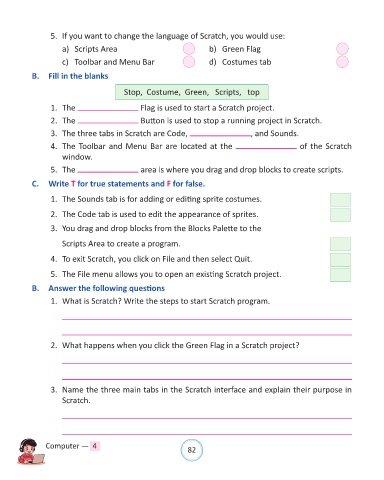
5.  If you want to change the language of Scratch, you would use:

                      a)  Scripts Area                                  b)  Green Flag

                      c)  Toolbar and Menu Bar                          d)  Costumes tab

            B.  Fill in the blanks

                                           Stop,  Costume,  Green,   Scripts,   top

                  1.  The                        Flag is used to start a Scratch project.

                  2.  The                        Button is used to stop a running project in Scratch.

                  3.  The three tabs in Scratch are Code,                             , and Sounds.

                  4.  The Toolbar and Menu Bar are located at the                                     of the Scratch
                      window.
                  5.  The                        area is where you drag and drop blocks to create scripts.

            C.  Write T for true statements and F for false.


                  1.  The Sounds tab is for adding or editing sprite costumes.

                  2.  The Code tab is used to edit the appearance of sprites.

                  3.  You drag and drop blocks from the Blocks Palette to the

                      Scripts Area to create a program.

                  4.  To exit Scratch, you click on File and then select Quit.

                  5.  The File menu allows you to open an existing Scratch project.

            B.  Answer the following questions

                  1.  What is Scratch? Write the steps to start Scratch program.


                  2.  What happens when you click the Green Flag in a Scratch project?


                  3.  Name the three main tabs in the Scratch interface and explain their purpose in
                      Scratch.


                Computer —  4                                   82

