


Page 19 - Digital_Kids_5
P. 19
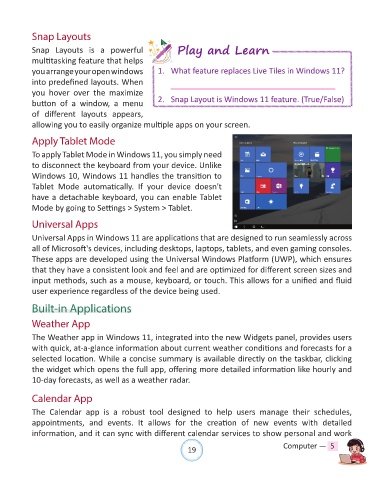
Snap Layouts

            Snap  Layouts  is  a  powerful                   Play and Learn

            multitasking feature that helps
            you arrange your open windows             1.  What feature replaces Live Tiles in Windows 11?
            into predefined layouts. When
            you  hover  over  the  maximize
            button  of  a  window,  a  menu           2.  Snap Layout is Windows 11 feature. (True/False)

            of  different  layouts  appears,
            allowing you to easily organize multiple apps on your screen.

            Apply Tablet Mode

            To apply Tablet Mode in Windows 11, you simply need

            to disconnect the keyboard from your device. Unlike
            Windows 10, Windows 11 handles the transition to
            Tablet  Mode  automatically.  If  your  device  doesn't
            have a detachable keyboard, you can enable Tablet
            Mode by going to Settings > System > Tablet.


            Universal Apps

            Universal Apps in Windows 11 are applications that are designed to run seamlessly across
            all of Microsoft's devices, including desktops, laptops, tablets, and even gaming consoles.
            These apps are developed using the Universal Windows Platform (UWP), which ensures

            that they have a consistent look and feel and are optimized for different screen sizes and
            input methods, such as a mouse, keyboard, or touch. This allows for a unified and fluid
            user experience regardless of the device being used.


            Built-in Applications

            Weather App

            The Weather app in Windows 11, integrated into the new Widgets panel, provides users
            with quick, at-a-glance information about current weather conditions and forecasts for a
            selected location. While a concise summary is available directly on the taskbar, clicking

            the widget which opens the full app, offering more detailed information like hourly and
            10-day forecasts, as well as a weather radar.


            Calendar App

            The  Calendar  app  is  a  robust  tool  designed  to  help  users  manage  their  schedules,
            appointments,  and  events.  It  allows  for  the  creation  of  new  events  with  detailed
            information, and it can sync with different calendar services to show personal and work


                                                                19                               Computer —  5

