


Page 20 - Digital_Kids_5
P. 20
events in one place. The app also offers various views, such as day, week, or month, and
            can be customized to display holidays and other important dates.


            Alarm and Clock App

            The Alarm and Clock app in Windows 11 is a multi-functional tool. It includes traditional

            alarm  clock  feature  for  setting  one-time  or  recurring  alarms  with  custom  sounds  and
            times. In addition, it contains a World Clock to track time zones around the globe & Timer
            for specific countdowns, and a Stopwatch for measuring the duration of activities.


            Microsoft Edge

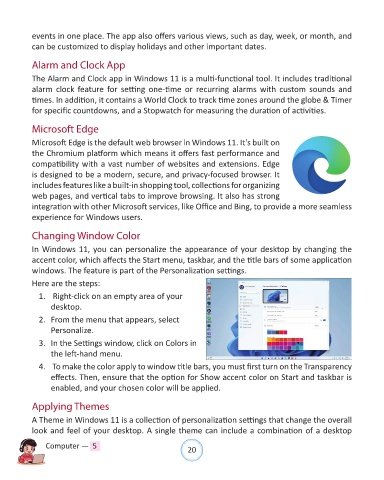
            Microsoft Edge is the default web browser in Windows 11. It's built on
            the Chromium platform which means it offers fast performance and
            compatibility with a vast number of websites and extensions. Edge

            is designed to be a modern, secure, and privacy-focused browser. It
            includes features like a built-in shopping tool, collections for organizing
            web pages, and vertical tabs to improve browsing. It also has strong
            integration with other Microsoft services, like Office and Bing, to provide a more seamless
            experience for Windows users.


            Changing Window Color

            In Windows 11, you can personalize the appearance of your desktop by changing the

            accent color, which affects the Start menu, taskbar, and the title bars of some application
            windows. The feature is part of the Personalization settings.
            Here are the steps:

              1.   Right-click on an empty area of your
                  desktop.

              2.  From the menu that appears, select
                  Personalize.

              3.  In the Settings window, click on Colors in
                  the left-hand menu.

              4.   To make the color apply to window title bars, you must first turn on the Transparency
                  effects. Then, ensure that the option for Show accent color on Start and taskbar is
                  enabled, and your chosen color will be applied.


            Applying Themes

            A Theme in Windows 11 is a collection of personalization settings that change the overall

            look and feel of your desktop. A single theme can include a combination of a desktop

                Computer —  5                                   20

