


Page 17 - Digital_Kids_5
P. 17
2                         More on Windows 11


                                   Chapter Outline
                                                    Features of Windows 11
                                                    Control Panel
                                                    Built-in Applications


            An  operating  system,  such  as  Windows,  acts  as  the  crucial  interface  between  the
            user and the computer's hardware. It efficiently manages a computer's resources and
            provides common services for other software. Windows, in particular, also keeps track
            of  information  related  to  file  creation,  deletion,  copying,  and  storage.  The  first  GUI

            (Graphical User Interface) version of Windows, known as Windows 1.0, was introduced
            in 1985. Through continuous research and technological advancements, more advanced
            versions like Windows 98, Windows XP, Windows 7, Windows 8, and Windows 10 have
            been developed. Now Windows 11 is the latest version developed by Microsoft.


            Features of Windows 11

            Windows 11 features a redesigned user interface with a new Start menu and a centered
            taskbar. It brings a new Widgets panel that provides a personalized feed of information.
            The operating system includes a refreshed Microsoft Store, now supporting Android apps,

            and introduces new Snap Layouts and Snap Groups to improve multitasking. Windows 11
            also has a focus on gaming with features like Auto HDR and Direct Storage.


            Windows Desktop

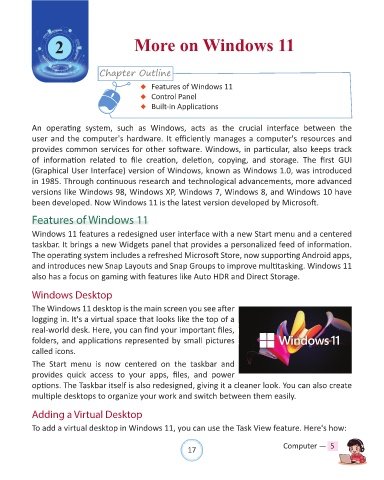
            The Windows 11 desktop is the main screen you see after
            logging in. It's a virtual space that looks like the top of a
            real-world desk. Here, you can find your important files,
            folders, and applications represented by small pictures

            called icons.

            The  Start  menu  is  now  centered  on  the  taskbar  and
            provides  quick  access  to  your  apps,  files,  and  power
            options. The Taskbar itself is also redesigned, giving it a cleaner look. You can also create
            multiple desktops to organize your work and switch between them easily.


            Adding a Virtual Desktop

            To add a virtual desktop in Windows 11, you can use the Task View feature. Here's how:


                                                                17                               Computer —  5

