


Page 61 - Digital_Kids_4
P. 61
4.     Click on Save button.


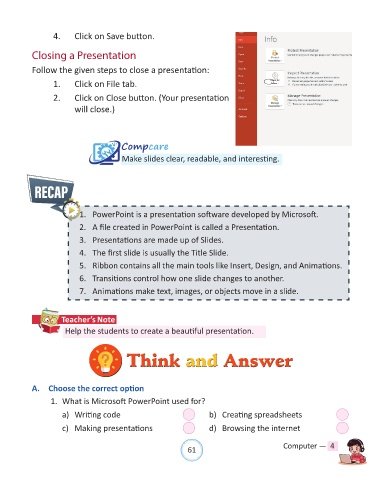
            Closing a Presentation

            Follow the given steps to close a presentation:

                   1.     Click on File tab.

                   2.     Click on Close button. (Your presentation

                          will close.)


                                          Compcare
                                          Make slides clear, readable, and interesting.


                            1.  PowerPoint is a presentation software developed by Microsoft.

                            2.  A file created in PowerPoint is called a Presentation.
                            3.  Presentations are made up of Slides.

                            4.  The first slide is usually the Title Slide.

                            5.  Ribbon contains all the main tools like Insert, Design, and Animations.
                            6.  Transitions control how one slide changes to another.

                            7.  Animations make text, images, or objects move in a slide.


                      Teacher’s Note
                       Help the students to create a beautiful presentation.


                                            Think and Answer
                                            Think and Answer


            A.  Choose the correct option

                  1.  What is Microsoft PowerPoint used for?

                      a)  Writing code                                  b)  Creating spreadsheets

                      c)  Making presentations                          d)  Browsing the internet


                                                                61                               Computer —  4

