


Page 68 - Digital_Kids_4
P. 68
full-page menu allows you to create, open, save, print, share, and manage your

            documents. It also contains settings and account information.

            Working in MS Word


            MS Word is used to do a variety of tasks. You can edit your text and also beautify it.
            Let us learn some features.


            Selecting Text

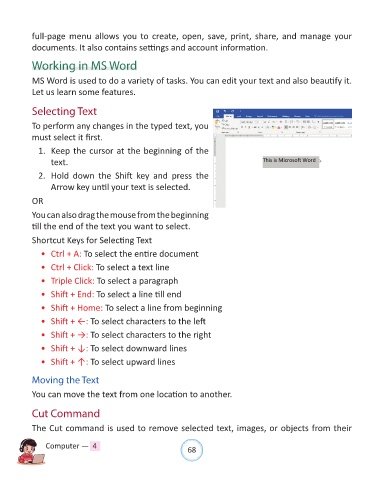
            To perform any changes in the typed text, you

            must select it first.
              1.  Keep the cursor at the beginning of the

                  text.

              2.  Hold  down  the  Shift  key  and  press  the
                  Arrow key until your text is selected.

            OR

            You can also drag the mouse from the beginning
            till the end of the text you want to select.

            Shortcut Keys for Selecting Text

              •  Ctrl + A: To select the entire document

              •  Ctrl + Click: To select a text line

              •  Triple Click: To select a paragraph

              •  Shift + End: To select a line till end

              •  Shift + Home: To select a line from beginning
              •  Shift + ←: To select characters to the left

              •  Shift + →: To select characters to the right

              •  Shift + ↓: To select downward lines

              •  Shift + ↑: To select upward lines


            Moving the Text

            You can move the text from one location to another.


            Cut Command

            The Cut command is used to remove selected text, images, or objects from their


                Computer —  4                                   68

