


Page 71 - Digital_Kids_4
P. 71
Making the Text Bold, Italic, or Underline

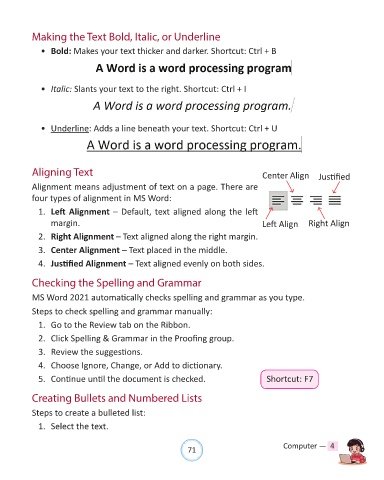
              •  Bold: Makes your text thicker and darker. Shortcut: Ctrl + B


              •  Italic: Slants your text to the right. Shortcut: Ctrl + I


              •  Underline: Adds a line beneath your text. Shortcut: Ctrl + U


            Aligning Text                                                                 Center Align       Justified

            Alignment means adjustment of text on a page. There are
            four types of alignment in MS Word:

              1.  Left Alignment – Default, text aligned along the left

                  margin.                                                                 Left Align     Right Align
              2.  Right Alignment – Text aligned along the right margin.

              3.  Center Alignment – Text placed in the middle.

              4.  Justified Alignment – Text aligned evenly on both sides.


            Checking the Spelling and Grammar

            MS Word 2021 automatically checks spelling and grammar as you type.

            Steps to check spelling and grammar manually:

              1.  Go to the Review tab on the Ribbon.

              2.  Click Spelling & Grammar in the Proofing group.

              3.  Review the suggestions.

              4.  Choose Ignore, Change, or Add to dictionary.
              5.  Continue until the document is checked.                                  Shortcut: F7


            Creating Bullets and Numbered Lists


            Steps to create a bulleted list:
              1.  Select the text.


                                                                71                               Computer —  4

