


Page 29 - Digital_Kids_5
P. 29
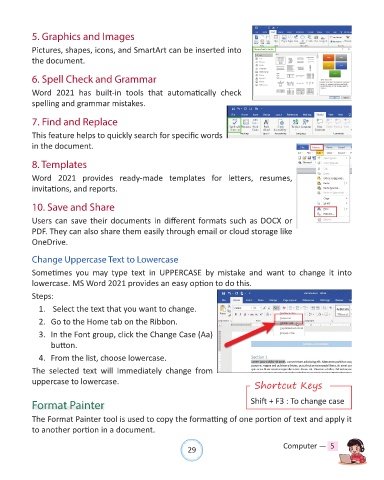
5. Graphics and Images

            Pictures, shapes, icons, and SmartArt can be inserted into

            the document.

            6. Spell Check and Grammar

            Word  2021  has  built-in  tools  that  automatically  check
            spelling and grammar mistakes.


            7. Find and Replace

            This feature helps to quickly search for specific words

            in the document.

            8. Templates

            Word  2021  provides  ready-made  templates  for  letters,  resumes,
            invitations, and reports.


            10. Save and Share

            Users can save their documents in different formats such as DOCX or

            PDF. They can also share them easily through email or cloud storage like
            OneDrive.


            Change Uppercase Text to Lowercase
            Sometimes  you  may  type  text  in  UPPERCASE  by  mistake  and  want  to  change  it  into
            lowercase. MS Word 2021 provides an easy option to do this.

            Steps:

              1.   Select the text that you want to change.
              2.  Go to the Home tab on the Ribbon.

              3.  In the Font group, click the Change Case (Aa)

                  button.
              4.  From the list, choose lowercase.

            The  selected  text  will  immediately  change  from
            uppercase to lowercase.
                                                                                       Shortcut Keys


            Format Painter                                                            Shift + F3 : To change case

            The Format Painter tool is used to copy the formatting of one portion of text and apply it
            to another portion in a document.


                                                                29                               Computer —  5

