


Page 35 - Digital_Kids_5
P. 35
Page Border

            A Page Border in MS Word is a decorative or plain line placed around the edges of a page.
            It helps in:

              •  Making documents look more attractive.

              •  Highlighting important pages like title pages, certificates, projects, or invitations.
              •  Giving a professional or creative touch.

              •  Borders can be simple lines, dotted lines, double lines, or even artistic designs like
                  stars, flowers, or patterns.


            Steps to Insert a Page Border

              1.  Go to the Ribbon at the top→ Click on the Design tab.

              2.  In the Page Background group (towards the right side), click on Page Borders.
              3.  The Borders and Shading dialog box will appear.

              4.  Select the Page Border tab.

              5.  Click on ok button.

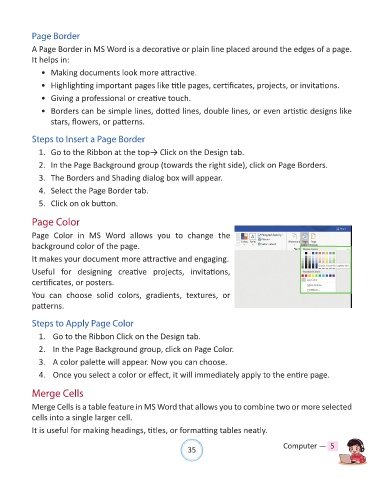
            Page Color

            Page  Color  in  MS  Word  allows  you  to  change  the

            background color of the page.
            It makes your document more attractive and engaging.

            Useful  for  designing  creative  projects,  invitations,
            certificates, or posters.

            You  can  choose  solid  colors,  gradients,  textures,  or
            patterns.


            Steps to Apply Page Color

              1.   Go to the Ribbon Click on the Design tab.
              2.   In the Page Background group, click on Page Color.

              3.   A color palette will appear. Now you can choose.

              4.   Once you select a color or effect, it will immediately apply to the entire page.


            Merge Cells
            Merge Cells is a table feature in MS Word that allows you to combine two or more selected

            cells into a single larger cell.
            It is useful for making headings, titles, or formatting tables neatly.


                                                                35                               Computer —  5

